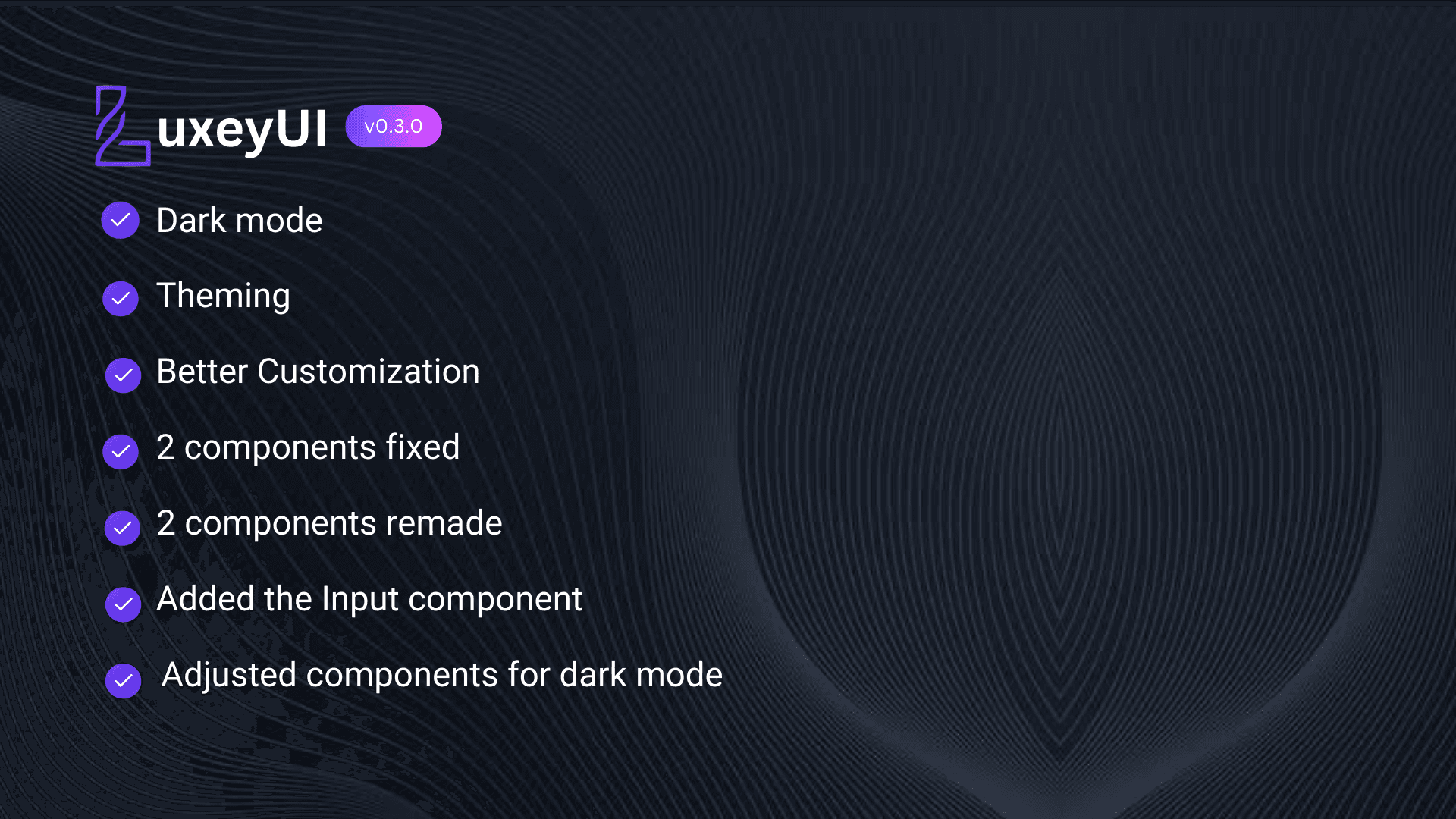

I'm excited to announce the latest update to LuxeyUI, version 0.3.0! This release introduces several exciting features and improvements that I can't wait to share with you.
What's New in v0.3.0?
- Dark Mode: Finally added a sleek dark mode.
- Theming: Customize the original theme colors using CSS variables.
- Better Customization: Enhanced customization options for components.
- Input: Added the most requested component, "input".
- Component Enhancements: Fixed the badge and button components, completely revamped the card and textarea components, and adjusted all components for dark mode.
Dark Mode
Visit the Dark Mode Docs for the guide to enabling Dark Mode in your project.
Components
Input
The new Input component allows users to enter text easily. For full details, please view the Input Docs.
Button
I've fixed an issue where the ripple color didn't match the button color. Now, it checks for the currentColor of the button and applies the same color to the ripple.
Badge
I've adjusted the placement of the badge. Now, you can use the --_percentage variable to customize the badge's position.
Card
I've fully revamped the Card component with updated styles and added a pressable effect using data-pressable.
Using data-pressable="true" to make the card pressable like a button:
Textarea
Here’s what I’ve done with the Textarea component:
- Remade the variants including spacing and labels.
- Completely revamped the functionality of
minRowandmaxRow. - Added a
debounceeffect to prevent bugs while deleting text. - Animated the height increment and decrement.
For full details, please view the Textarea Docs.
Theming
Theming allows you to have more control over the colors and styles of components. Simply modify the variables in your CSS file. For full details about theming, please visit the Theme Docs.
I hope you enjoy these new features and improvements as much as I enjoyed creating them. Your feedback is invaluable, so please let me know what you think and what you’d like to see next in LuxeyUI!
Happy Coding! 🎉